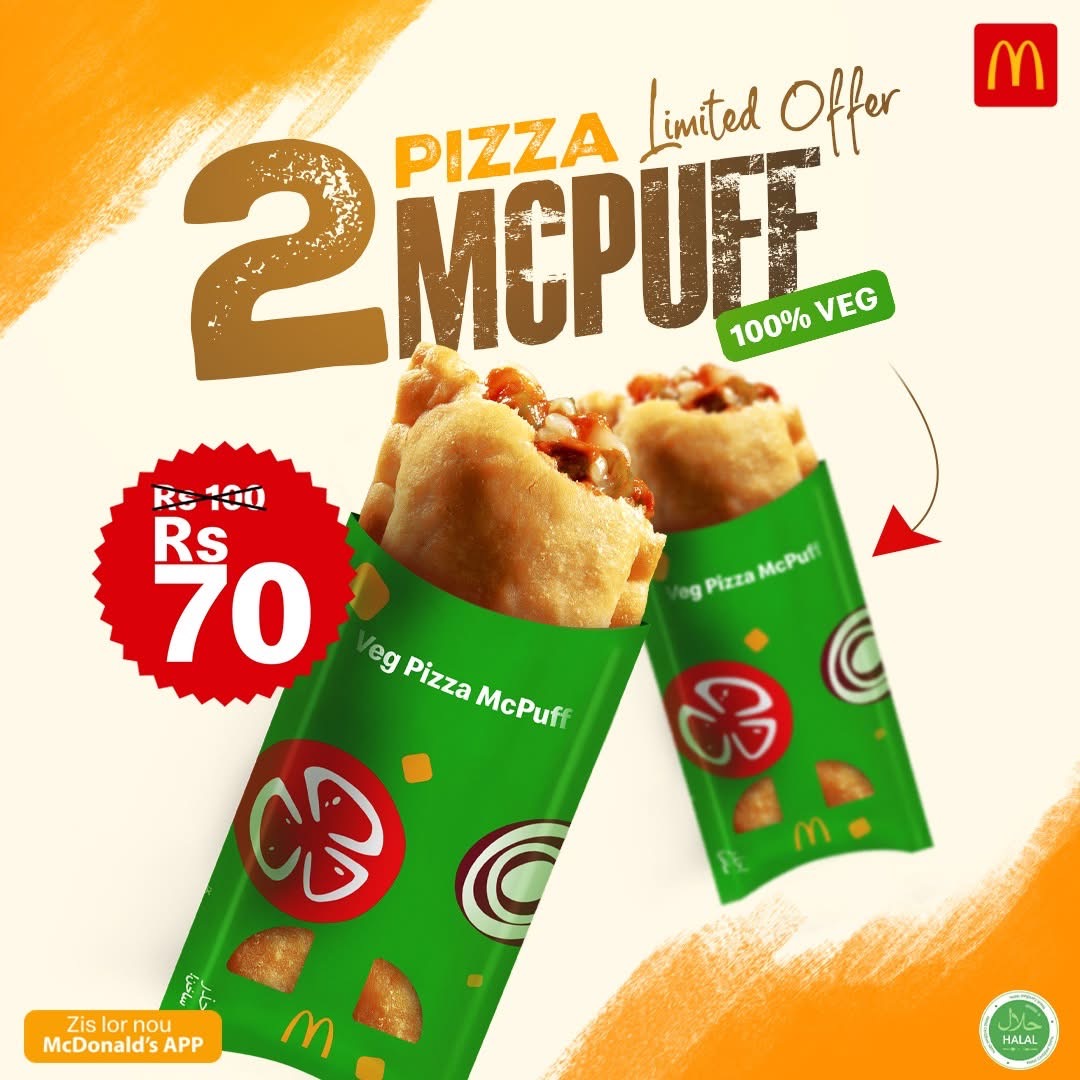
Mouth-watering deals are just a few taps away

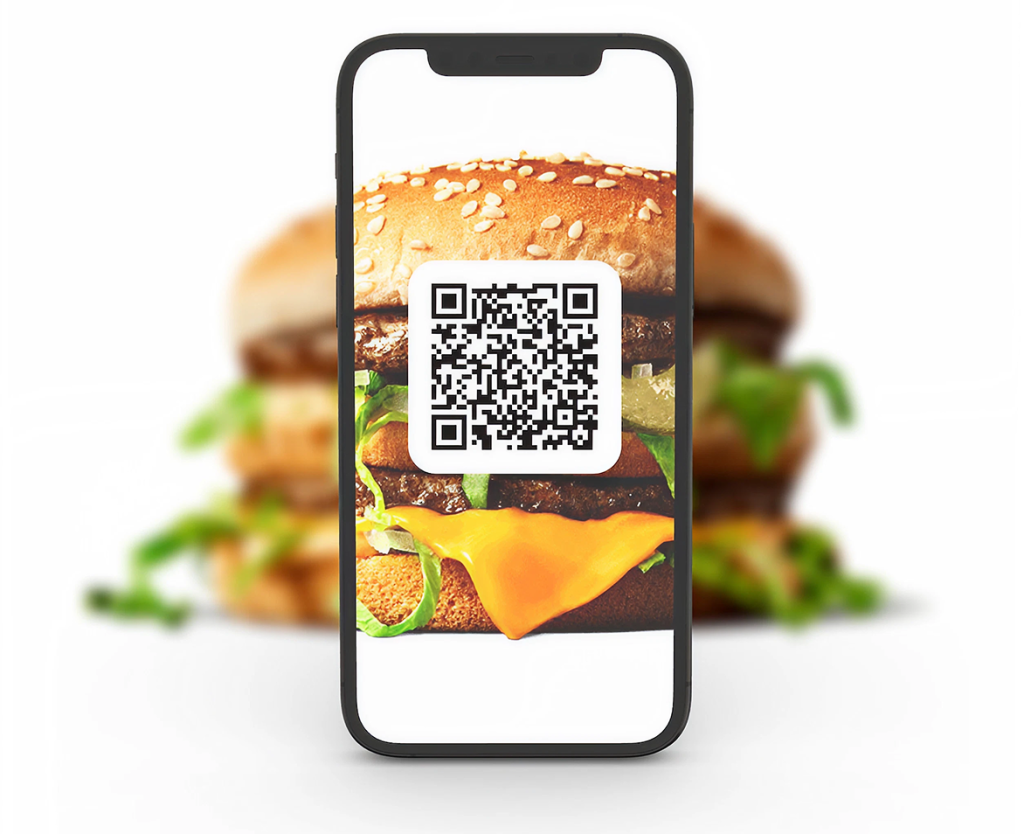
Scan the QR code to download the McDonald’s App or use the links below to find it on the app stores

How to Download the McDonald’s® App

Go to Google Play or Apple App Store and search for “McDonald’s”

Mobile Devices OS Requirements

McDonald’s App is compatible

– On iOS
iOS devices running iOS 11 and above.

– On Android

Android 5 (aka Lollipop released Nov 2014) and above.

– On Huawei
Not possible.

How to redeem using the McDonald’s® App ?

Follow these 4 steps to redeem your offer at McDonald’s

Log in to the app.

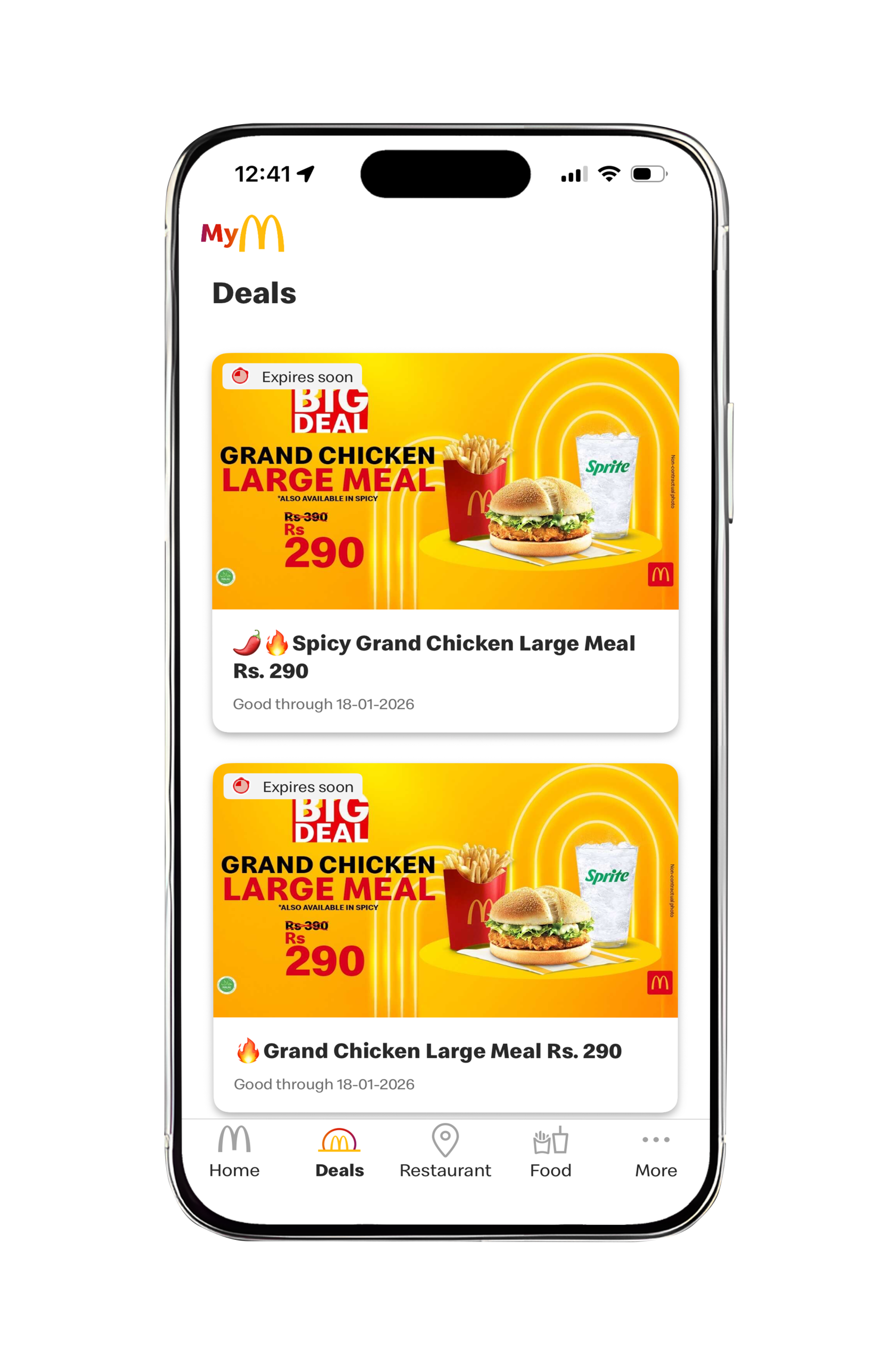
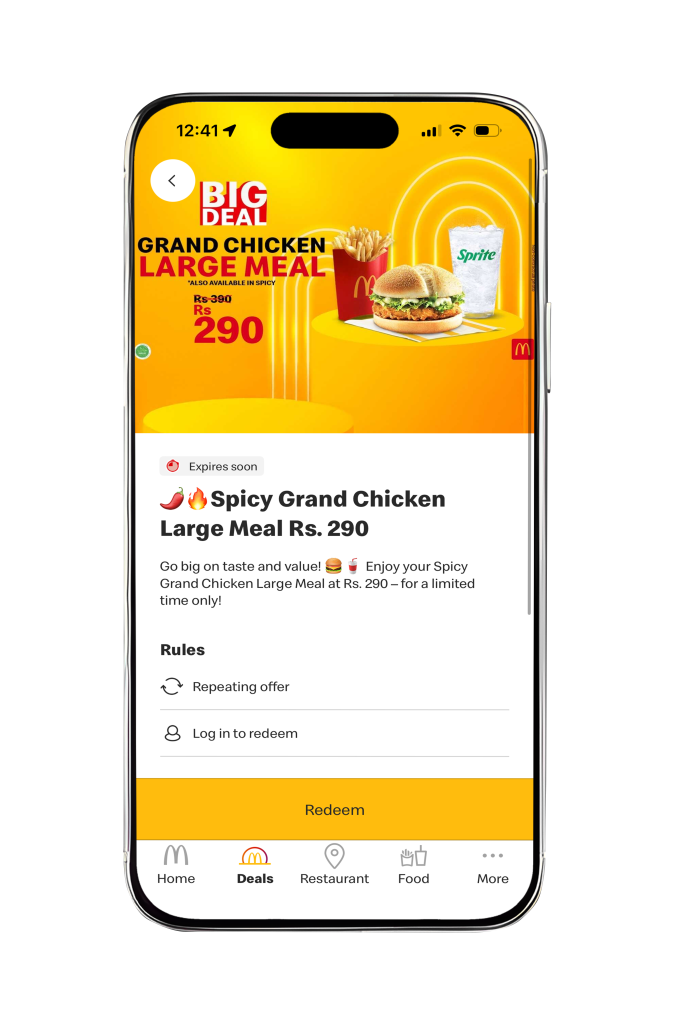
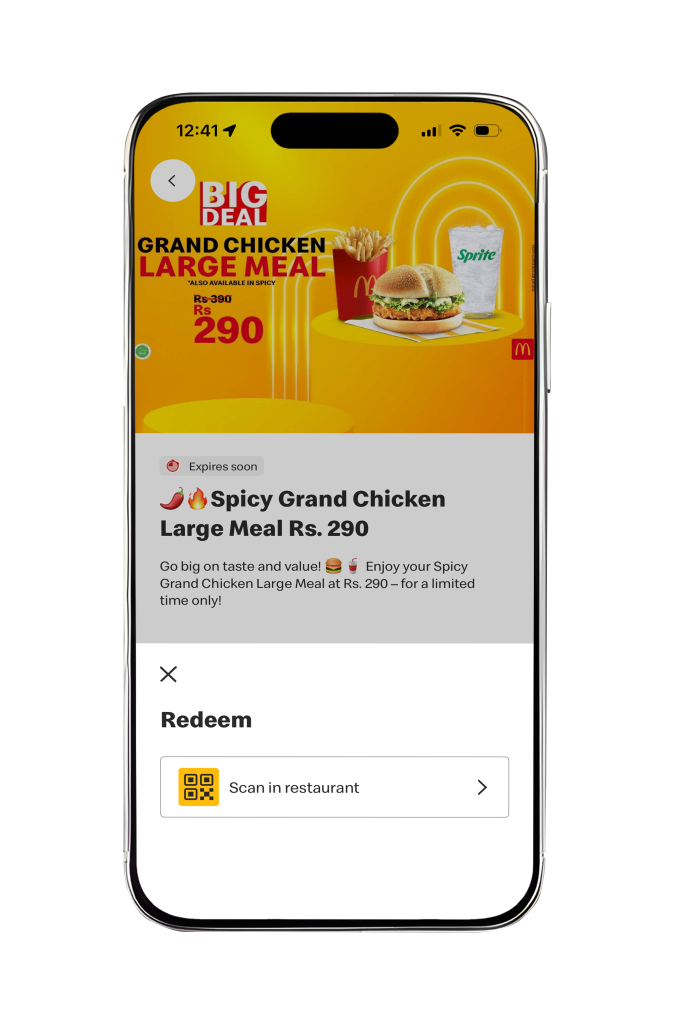
Select your offer in Deals section & tap on Redeem

Tap on Redeem button to continue

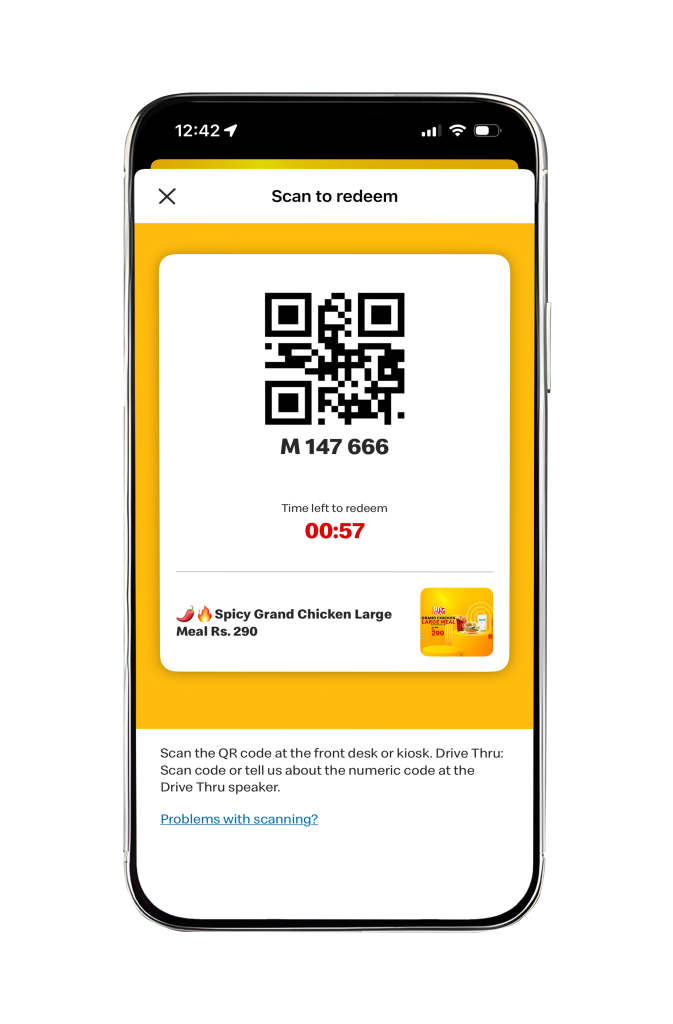
Scan the QR Code and your offer is redeemed instantly!

Note:

  • Tap on the redeem button to redeem an offer
  • Cumulating offers are not allowed 
  • After clicking on the activation button, you will have 3 minutes to scan the QR code 
  • You can redeem the offer at our counter, on the self ordering kiosks or in the Drive Thru 
  • Terms and conditions apply.

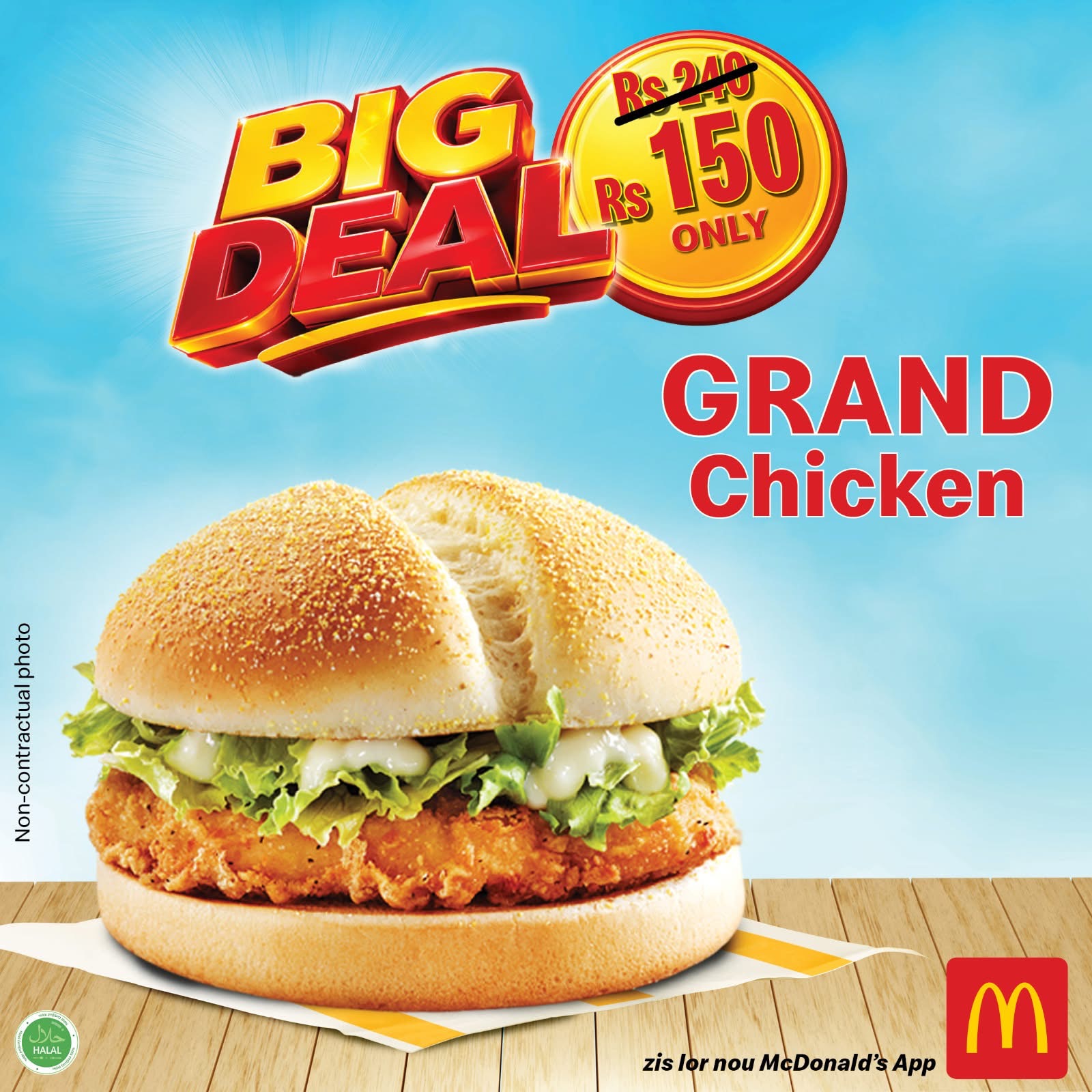
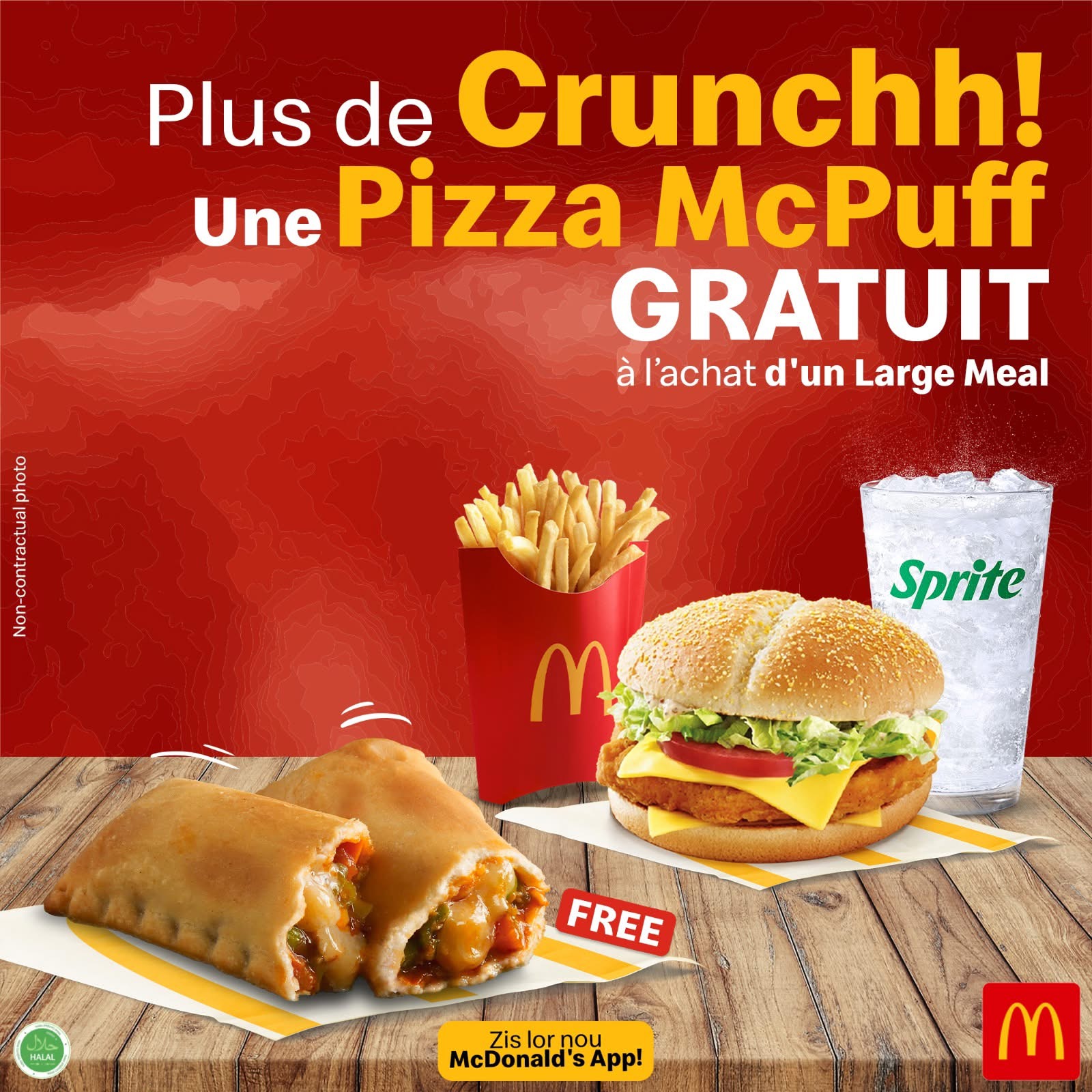
This Week’s App-Exclusive Deals

Download the App Today for Fantastic Offers – all just a Tap Away !

Got a question ? Have a look through our FAQs and conditions.